
tl;dr
Design end-to-end AI model training & testing workflow: View our launched App
Hosted 2 half-day design workshops with 5 engineers to define and ideate the application from the ground up.
Conducted 2 rounds of user testings with internal engineers and external customers.
Led 3 major design iterations based on stakeholder and user feedback.
Created the application's icon and visual branding.
Engineers need to detect anomalies in their datasets, but the tools are scattered across separate APIs.
Industrial engineers often need to identify which data patterns signal anomalies in their physical systems so they can prevent failures and reduce operational costs.
Previously, accomplishing this required navigating multiple tools and APIs across the MATLAB ecosystem —a process that was often fragmented, time-consuming, and cumbersome.
Situation
Have to use dozens of API to complete one training
Different models work well for different scenerios
Need to prepare their data to fit each model
Problems
It's hard for users to use them all together
User needs to have good understanding of models
Required data preparation steps for effective model training
Through research and interviews, we identified our primary and secondary target users of this new worflow:
Primary: Off-the-Shelf Model User
Create an anomaly detection AI without much ML/DL domain knowledge
Identify the best model for my data
Secondary: Advanced AI Modeler
Identify the best model to start with before customizing the model more
Create a pipeline that allow for new data using consistent set of parameters
From scattered API to step-by-step UI workflow
We mapped the end-to-end workflow for our primary users and organized it into six key stages:
Data Import → Data Preparation → Model Training → Test Data Preparation → Model Testing → Export

Uncovering Hidden Knowledge Through Collaborative Workshops
The biggest primary challenge for me as the UX designer on this project was understanding a highly complex workflow through workshops with five engineers.
I relied on the expertise of my engineering team to transform their domain knowledge into actionable design ideas. To facilitate this, I organized a half-day workshop and divided the team into three groups:
Tech Lead + Principle Engineer
Two Senior Engineers
One Junior Engineer + UX Researcher
Each group sketched potential workflows and UI concepts from their unique perspectives.
After the initial sketching session, the groups presented their ideas while the rest of the team provided feedback and discussion. We then conducted a second round of sketching and sharing, building on the insights from the first round. This collaborative exercise helped us uncover additional user paths, identify edge cases, and generate UI features that might otherwise have been missed.
Through research, we identified two key challenges:
Creating an intuitive workflow for training, testing, and validating AI models.
Supporting both expert and novice users, who have distinct goals, expectations, and levels of technical expertise.

Aligning on an MVP Through Co-design and Paper Prototyping.
The biggest outcome of this workshop was not just uncovering valuable domain knowledge through sketching and discussion. More importantly, it helped the team establish a shared understanding of what the MVP should be. By bringing together different perspectives, we aligned on the core user needs, prioritized the most critical workflows, and created a common vision that guided the product forward.
Evolving the Design Through User Feedback
A good design is often evolved from rounds of iteration based on testing and reflecting. I worked with our researcher to prepare interactive mockups for testing and research questions.
Here's an example of our research methodology: we keep the task open-ended and as realistic as possible to gather authentic feedback from participants and observe their natural behavior, decision-making process, and mental models.
A few interesting insights we gained during two rounds of user testing sessions.
Through user testing, we learned that the app was not the destination—it was one part of a larger AI development workflow within MATLAB ecosystem. Users regularly switched between tools such as Experiment Manager for model tuning and Deep Network Designer for custom network creation. This insight helped us design for similarity within the MATLAB ecosystem instead of treating the app as a standalone product.
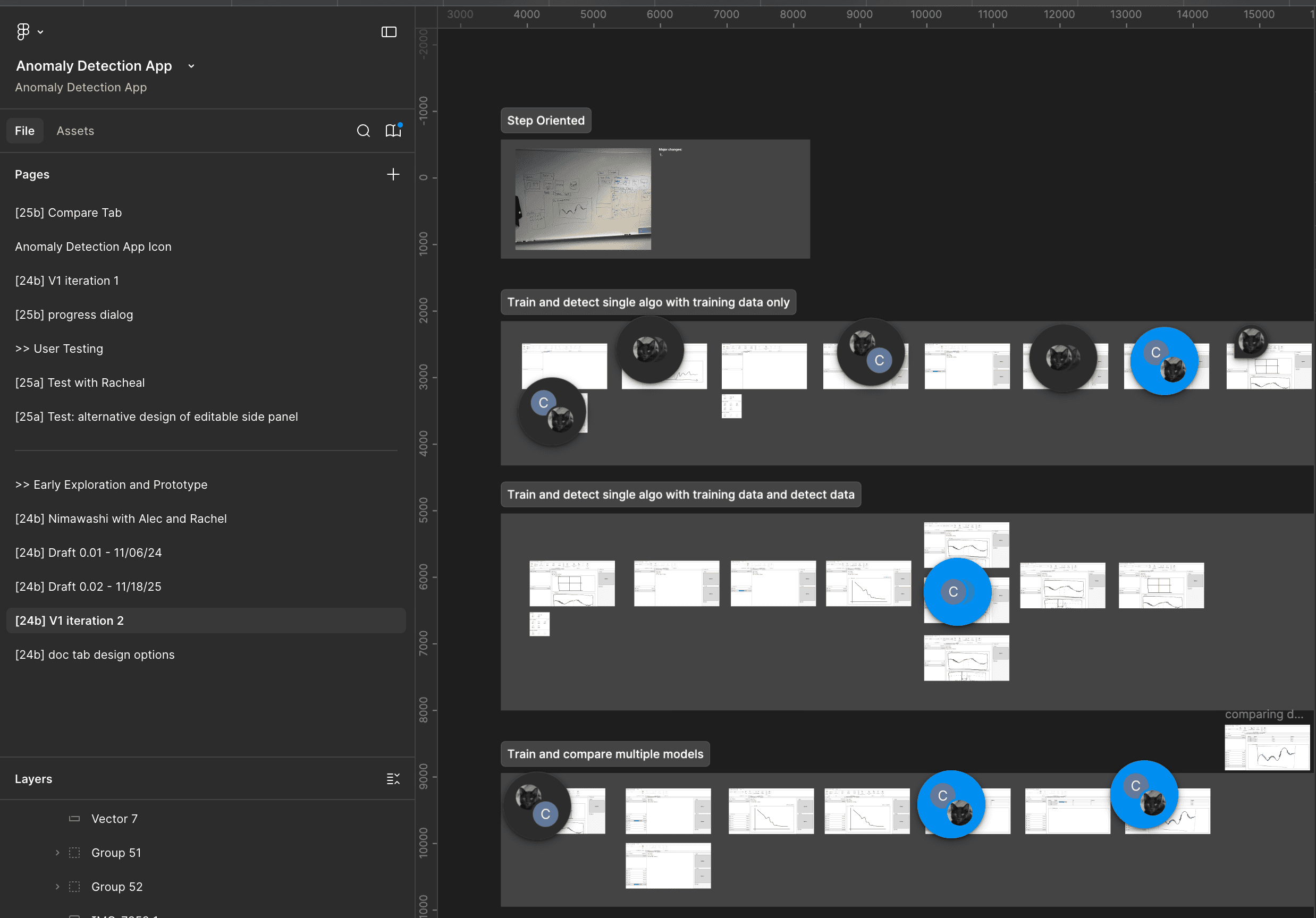


Interactive Prototypes Reveal Hidden Workflow Challenges.
Interactive prototypes were critical for uncovering workflow pitfalls and validating whether our design aligned with users' mental models.
This project was completed before tools like Claude and other agentic AI assistants became available for rapid prototyping. As a result, iterating on complex, open-ended workflows was particularly challenging. While Figma excels at designing interfaces, it is less effective at simulating dynamic, multi-path user journeys—the very problem space we were exploring through user testing and design iterations.
Intuitive Design Starts with Understanding
Looking back, what I'm most proud of isn't just the final product. It's being able to navigate ambiguity, learn complex technical domains, and translate them into experiences that feel approachable for engineers and scientists. These projects reinforced my belief that good design often starts with listening, learning, and building trust across my cross-function team members.


Team members' whiteboard drawing
Generative AI was used exclusively for copy editing and readability improvements